 KEEPZI
Bring in the right people
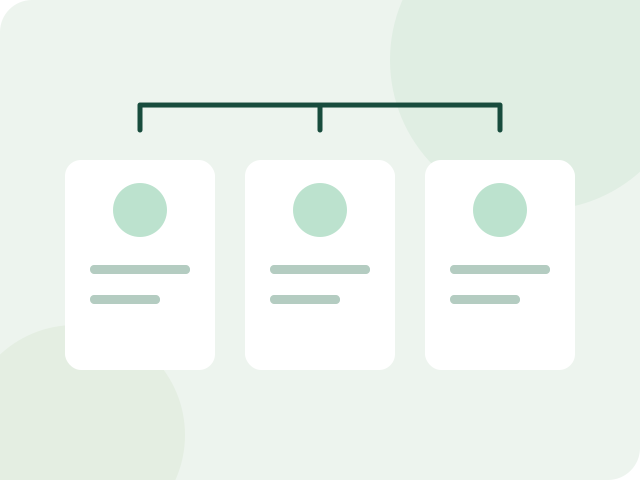
Set up your company and invite teammates or create their accounts. Choose each person’s apps and assign purchased access to the people who need it.
Invite colleagues into an organisation space and assign their application access. Assign work on shared boards, break it into subtasks and keep the discussion with the task.
Available capabilities depend on your plan and connected-account permissions.
Choose a step and see how it fits your day.
Set up your company and invite teammates or create their accounts. Choose each person’s apps and assign purchased access to the people who need it.
Create board columns, drag tasks and choose assignees. Keep subtasks, priorities, comments and related files around the work they belong to.
Find teammates, update permissions or suspend access. Use explicit leaving and ownership-transfer flows while managing private-resource access separately.
See how the tools fit together around one real need.
Yes. Choose a separate user count for each eligible user-assigned add-on, within your company package capacity. Assign access from Team, review the price difference before confirming, and use the new capacity once payment is verified. Member permissions still apply.
No. Membership is only one check. Board, task and file permissions continue to control the specific resource.