
Skip to content
KEEPZI
Create your account

Different tools. One connected workflow.

Bring Google, Microsoft, Slack, messaging, design and business tools into a connected workflow. Keep the source account, destination, permissions and plan scope visible for every connection.

On the product roadmap
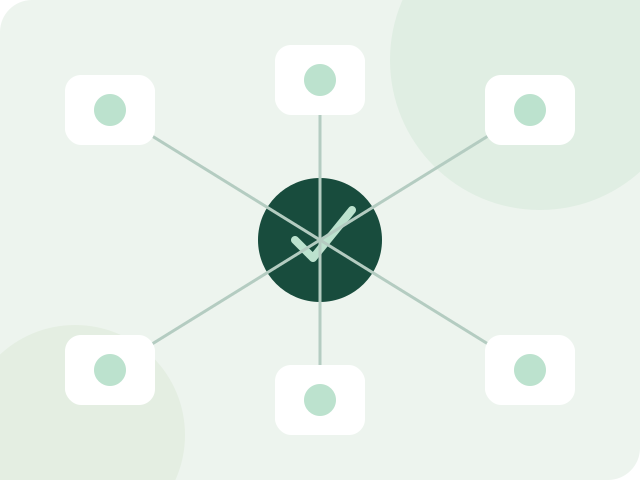
Six application cards linked to one central workspace.

Explore by application family

Selected access through plans and add-ons

Workflows that preserve source relationships

Apps and connections

From the first step to the finish.

Choose a step and see how it fits your day.

KEEPZIExample workflow

From client message to document, task to calendar

01

Start with the tool you use

Find Google, Microsoft, Slack, design, customer or travel tools in the catalogue. Review included access and the apps you want to add.

02

Connect source and destination

Create a task from an email, a document from a form response or a publishing task from a design. Keep the origin and destination account clear.

03

Stay in control

Grant and revoke each connection separately. Assign only the apps teammates need, keeping purchase, connection and resource sharing as separate decisions.

Apps and connections

Make it part of your day.

See how the tools fit together around one real need.

The request, document and delivery date use different tools

  • Gmail
  • Google Drive
  • KEEPZI Tasks

Explore a workflow where the client’s email, project document and dated task remain related. Connect the specific accounts and choose what can move between them.

What you gain Follow one piece of work across the tools that already hold its context.

A team decision needs a next step

  • Slack
  • Microsoft Teams
  • Shared boards

Bring an agreed action from the connected conversation into the right board. Keep its owner, due date and source relationship clear, with access checked on both sides.

What you gain Find the action without giving every board member access to the original conversation.

A design review reaches the delivery plan

  • Canva or Figma
  • KEEPZI Drive
  • Calendar

Keep an approved design file beside the delivery task. Add the review and delivery dates so the asset and the next action can be found together.

What you gain Move from creative work to a clear handover without losing which file was approved.

A few things to know

Can I use the Google account I already connected?

Yes. In Connections, select your account on the Drive, Docs or Sheets card. If your personal plan includes the tool and Google confirms your existing file permission, you can start using it straight away.

Are all catalogue applications already connected?

The catalogue includes available tools and planned connections. Providers are added one at a time; check the tool’s availability before choosing it for your workflow.

Does buying an add-on connect an external account?

No. You still choose and connect your provider account. The add-on, your workspace access and the permissions you grant together determine what you can do.

Better together

Good work starts anywhere.
Give it a place to go.

Create your account