
Skip to content
KEEPZI
Create your account

Planned communication from your own address.

Manage sender addresses, recipient groups and a campaign calendar together. Prepare the content, review the sending plan and follow permission-based communication.

On the product roadmap
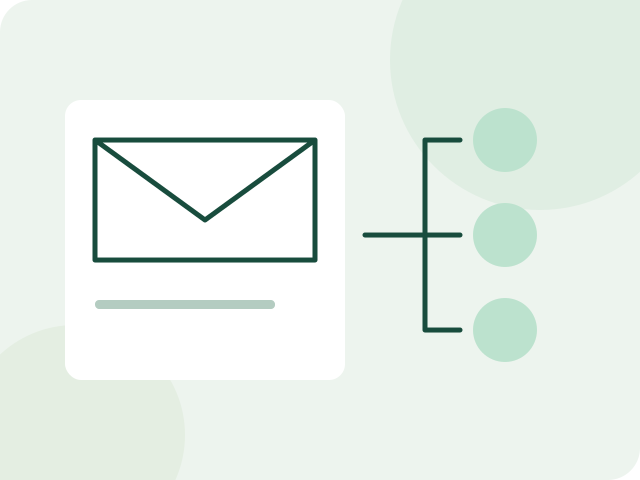
An email connected to three recipient symbols.

Multiple authorised sender accounts

Content, audiences and scheduling

Consent, unsubscribe and delivery tracking

Email campaigns

From the first step to the finish.

Choose a step and see how it fits your day.

KEEPZIExample workflow

Schedule an event announcement for its audience

01

Choose your own sender

Add and verify addresses you are authorised to use. Choose the campaign account and manage different senders within one plan while respecting provider limits.

02

Prepare for the audience

Group permitted recipients, prepare content and choose a time. Request team approval before release and exclude people who have unsubscribed.

03

Follow delivery and replies

Separate scheduled and sent messages and follow delivery or failure outcomes. Turn a reply into a task and remember when to get back to the customer.

Email campaigns

Make it part of your day.

See how the tools fit together around one real need.

A product announcement with a clear sending plan

  • KEEPZI Docs
  • Email campaign
  • Verified sender

Prepare the announcement, choose a permitted recipient group and review the schedule from your own verified sending address. Keep the campaign work beside the content and approval tasks.

What you gain Bring the draft, approval and permission-based communication together.

Different brands, the right sender each time

  • Sender accounts
  • Recipient groups
  • Campaign calendar

Keep the correct sender and recipient group with each campaign. Review consent, opt-outs and account limits before scheduling; adding addresses must not bypass provider restrictions.

What you gain Avoid sending the right message from the wrong account.

A few things to know

Will KEEPZI send campaigns from its own address?

The planned service uses your verified sender accounts and accepted connections. KEEPZI’s account and service notifications are separate from your marketing campaigns.

Can I use several accounts to get around sending limits?

No. Consent, opt-outs, suppression lists and each provider’s limits still apply across the campaign. Multiple accounts are for legitimate sender organisation.

Better together

Good work starts anywhere.
Give it a place to go.

Create your account