 KEEPZI
Choose the starting point
Choose an event such as a form response, approaching date or completed task. Set the workspace and the data the flow may use.
Start a workflow from a form response, a new message or an approaching date. Choose conditions, destinations and approval steps, then track the result of each operation.
On the product roadmap
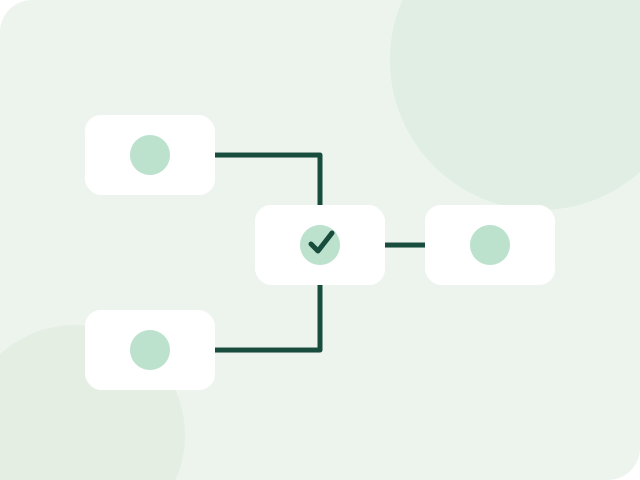
Choose a step and see how it fits your day.
Choose an event such as a form response, approaching date or completed task. Set the workspace and the data the flow may use.
Arrange conditions and actions. Connect task creation, reminders or approval requests, reviewing the account, permission and effect of any external write.
See each completed step and pending approval. Check uncertain results before retrying so a message, payment or publication is not repeated blindly.
Find the right context, prepare an action, then review its destination and effect.
Choose the account and resources your assistant can access.
Bring the relevant task, date and file together without opening unrelated private resources.
Check the target and changes before sending, sharing or publishing.
See what completed and keep uncertain outcomes out of automatic retries.
See how the tools fit together around one real need.
The tool must be available, included in your access and connected to the right account. You also need permission for the destination and the action.
The workflow is designed to hold an uncertain result for review instead of sending again on its own. This helps you avoid duplicate messages or actions.